




BrunoCasino App
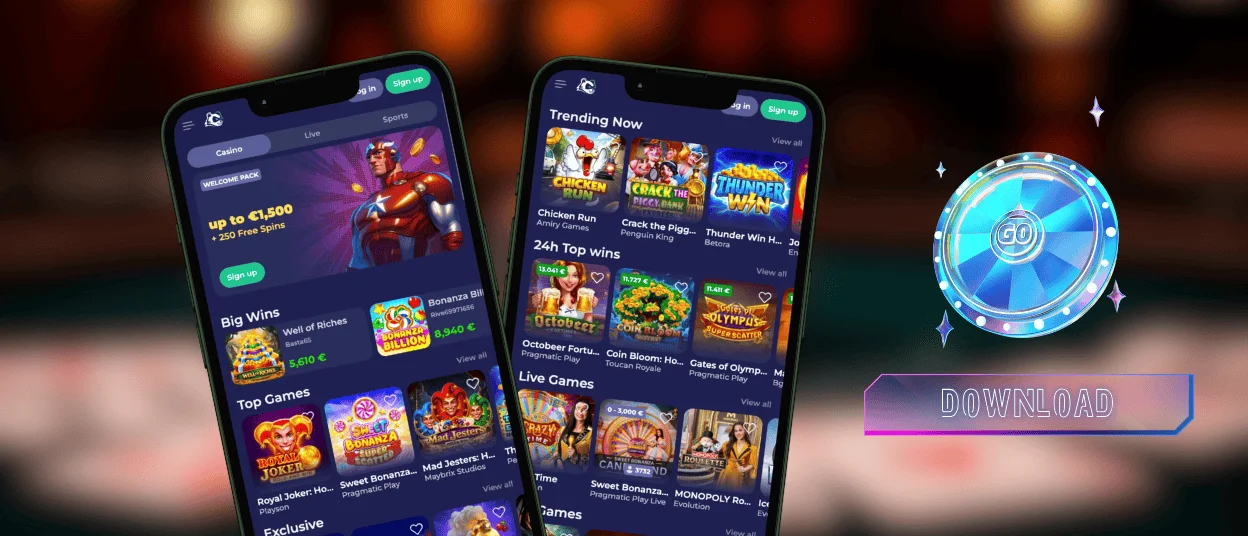
The BrunoCasino app puts the lobby on your home screen, so a session starts with one tap instead of a search through bookmarks or a typed web address. It runs as a progressive web app rather than a store download, which keeps the install light and the access fast. Spinning a few slots on a break or settling in for a longer session, you can be sure that our app keeps the same Bruno Casino experience close at hand.



Why Players Use Bruno Casino App
A shortcut on the home screen turns the casino into something closer to a native app, with no browser frame or address bar getting in the way. The same account that works on desktop carries over without any separate setup, so a player doesn’t lose track of progress just because the screen changed.
Speed is the main draw. Tapping the icon skips the part where someone opens a browser, types the address, or hunts through bookmarks for the right link, and the lobby loads in roughly the same time it takes to unlock a phone. Storage barely factors in either since the app runs through the browser rather than as a downloaded program, leaving plenty of space free for photos, messages, or anything else on the device.
A balance check, an active bonus, or a recent game work well even if the session started on a laptop or picked back up on a phone an hour later, with nothing to re-sync or re-enter by hand. Players who turn on notifications also get a heads-up the moment a promotion goes live, instead of finding out by accident the next time they open the site.
BrunoCasino App: Benefits and Features
The mobile layout gives up some of the desktop’s wider view in exchange for quicker, more direct access. Game tiles scale to fit a touchscreen, and the main menu stays within thumb’s reach rather than spread across a full browser toolbar.
| Aspect | App Experience | Desktop Experience |
| Access | Home screen icon, opens instantly | Browser tab, requires navigation |
| Layout | Touch-optimized, compact menu | Wider view, more on screen at once |
| Notifications | Push alerts available when enabled | No native alerts |
| Login | Face ID or fingerprint via browser tools | Standard email and password |
| Best suited for | Quick sessions, checking balance or bonuses | Live dealer tables, longer sessions |
Desktop still holds an advantage for live casino formats, where a larger screen makes it easier to follow the dealer feed alongside the betting panel. The app, by contrast, suits a faster pace: checking a mission, spinning the Wheel of Fortune, or catching up on a tournament leaderboard between other tasks.
Mobile Application for Android
On Android, the BrunoCasino app runs through Chrome and adapts cleanly to a smaller screen without dropping any part of the catalog a player would expect from desktop. A session started on a laptop picks up right where it left off once the app opens on the phone.
Performance stays consistent across recent Android generations. Game tiles load progressively as the lobby scrolls, which keeps browsing smooth even on a slower connection. Biometric login through the device’s saved credentials speeds up returning to the app after the first session, so typing a password each time becomes unnecessary.
BrunoCasino APK
Some sources offer APK files claiming to be the BrunoCasino app outside the official website. We warn against installing these. A direct browser install through our site is the only version we distribute, and it carries none of the security risk tied to unverified files from third-party pages. Sticking to the website keeps account data and login credentials within the platform’s own protections.
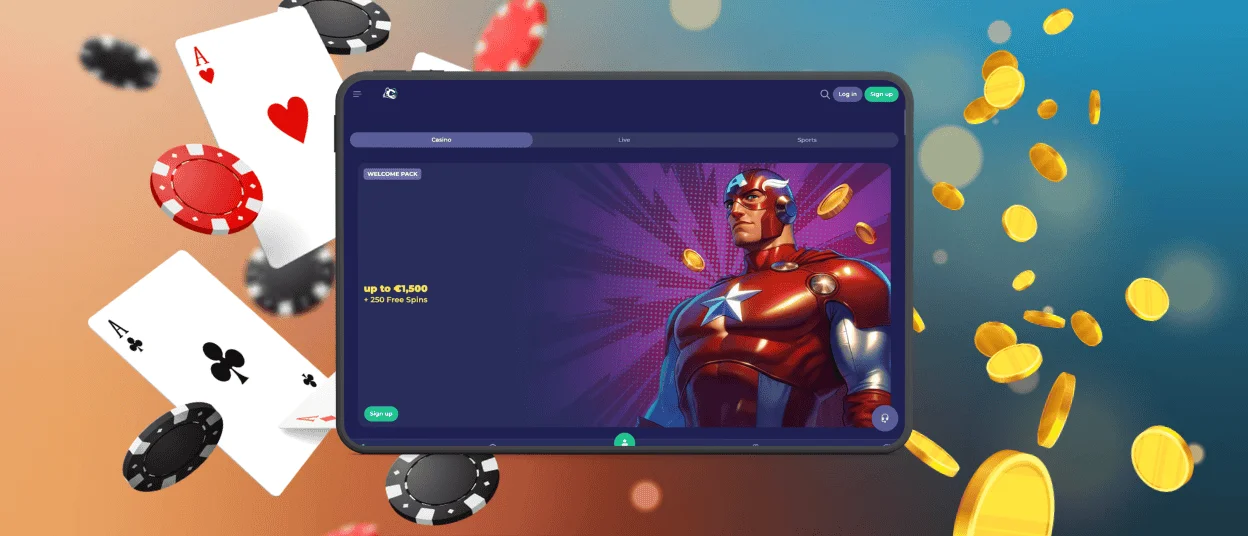
Bruno Casino App for iPhone and iPad
On iOS, the BrunoCasino app runs through Safari and mirrors the desktop experience closely. Once login details are saved, Face ID and stored passwords work through Safari, so returning to the app after the first session takes no extra typing. The iPad screen gives live dealer tables more room than a phone does, and game details stay easy to read at a glance.
iPad’s larger display gives live dealer tables more breathing room than a phone screen, with game details easier to follow at a glance. iPhone keeps quick checks and shorter spins comfortable in one hand, suited to a session squeezed between other tasks rather than a long sitting at a live table.
Play Bruno Casino on Desktop Devices
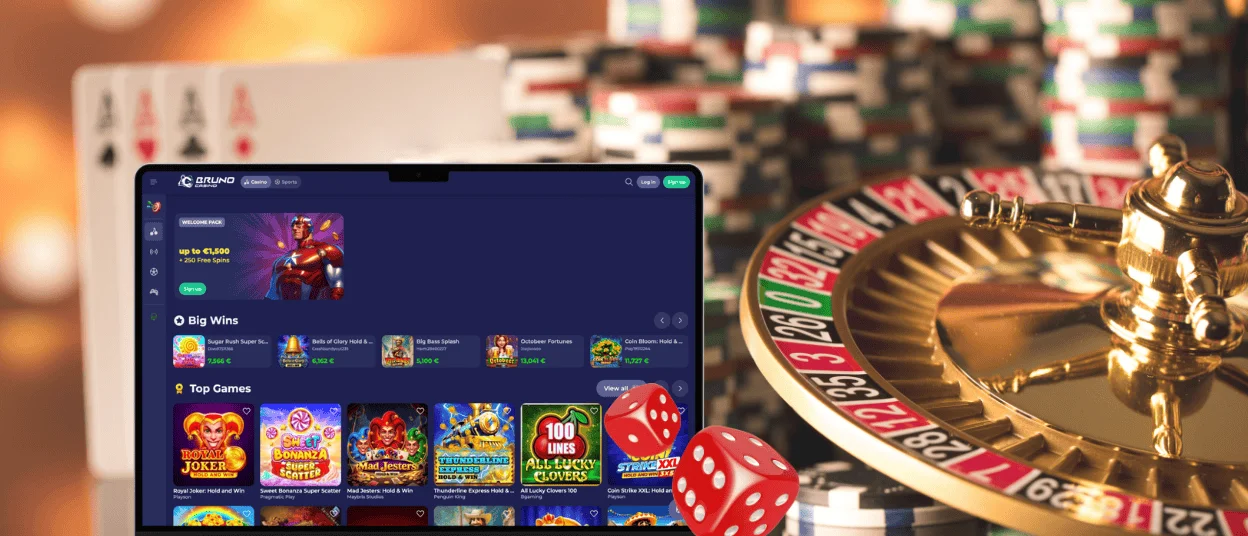
BrunoCasino runs in any modern desktop browser on Windows and macOS through the standard website, with no separate client needed. The wider screen suits sessions built around live dealer games, where a player benefits from seeing the dealer feed and betting panel together without scrolling between them.
Account management tasks also tend to feel more comfortable on desktop. A document upload during verification, for instance, works more smoothly with a full keyboard and a larger view than on a phone screen.
How to Install the BrunoCasino App on Any Device
The steps below cover every major platform, with the install option living in a slightly different spot on each browser. When the shortcut lands on the home screen or desktop, it behaves the same way everywhere: one tap or click opens the casino directly, without any browser frame around it.
| Device | Browser | How to Install |
| Android | Chrome |
|
| iPhone / iPad | Safari |
A custom shortcut can also be built through the Shortcuts app: create a new shortcut, add an action for BrunoCasino, then save it to the home screen with a chosen name and icon. |
| Windows / macOS | Chrome |
|
Updates apply automatically through the website on every platform, so the version behind the shortcut always reflects the current site without a manual download.
Mobile Play Checklist for a Better Experience
A few habits make the difference between a smooth mobile session and one interrupted by loading delays or a dropped connection.
- Stable Wi-Fi or a strong mobile signal keeps live dealer streams steady
- A recent browser version, along with iOS 16 or newer or Android 11 or newer, handles the PWA install and gameplay more reliably
- Enough free battery and storage prevent the session from cutting short
- A relatively recent device runs feature-heavy slots and live formats more smoothly
None of these checks takes more than a moment, but together they cut down on the most common causes of a stalled stream or a slow-loading lobby. Keeping the device and browser current matters more for a stable mobile session than any single hardware spec.
FAQ
Does installing the BrunoCasino app take up much storage space?
No. The app works as a website saved to the home screen rather than a program installed from a store, so there’s no large file taking up space on the device. What a player sees each time comes from the website itself, loaded fresh, with only a tiny shortcut sitting permanently on the phone.
Will my bonus progress carry over if I switch from the app to a browser?
Yes, since everything tracks back to the account rather than to the device used to open it. A bonus claimed on mobile shows up the same way after logging in on a laptop, and missions or tournament standings update in one place no matter which screen a player checks them from.
Can I use the BrunoCasino app without creating an account first?
Demo mode is available on most slot titles directly through the app, without registering. Real-money play, bonus activation and withdrawals require a registered account and a completed login, which works the same way through the app as it does on desktop.


